A cold email can be delivered and still land in spam, or in Gmail’s Promotions tab. The best email deliverability software helps you see that difference and work on the signals behind it. Here are five third-party tools compared with MailPilot, including what each one does best.
We analyzed 41 YouTube comments about email deliverability software and found that 22% asked about feature capabilities and sending limits.
1. MailPilot — Provider-specific placement and flexible mailbox volume
MailPilot is an email warmup and deliverability platform for outbound teams, agencies, and SaaS senders. It warms connected mailboxes through real inbox interactions, then reports where messages land at Gmail and Outlook. Those results are separated by provider, with Gmail’s Promotions tab shown apart from the inbox.
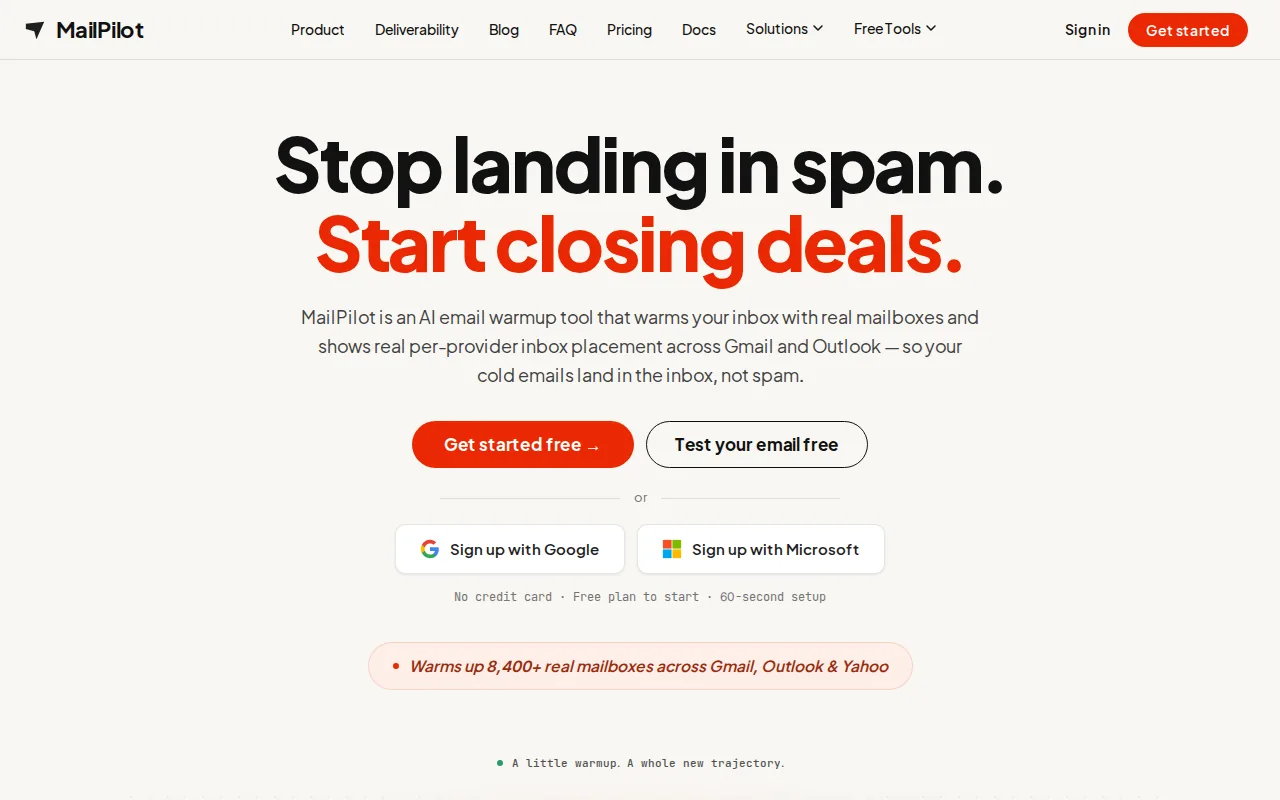
That distinction helps when a campaign looks fine overall but replies fall off at one provider. A single warmup score can hide whether Gmail is sorting mail into Promotions while Outlook is sending it to spam. MailPilot shows inbox, Promotions, and spam outcomes so your team can decide what to check next.
MailPilot also checks SPF, DKIM, and DMARC for connected domains. These records help receiving servers verify that a sender is allowed to send for a domain. DMARC sets a policy for messages that fail authentication checks. Teams that need a refresher can review MailPilot’s guide to email authentication.
Paid plans include unlimited mailboxes, with account-wide warmup volume determining the plan. MailPilot’s plans start at $9 per month for 500 warmup emails a day, with higher tiers at $29 and $49 per month. There’s also a free plan for one mailbox and 50 warmup emails a day, plus a seven-day trial with no credit card required.
Agencies can keep each client in a separate workspace and give clients read-only access to their own mailboxes. Teams can also warm mailboxes with their own templates and review placement by template. MailPilot doesn’t send campaign sequences, so you’ll still need a separate sender for outreach. See the MailPilot product details if provider-level reporting and mailbox volume are your main decision points.
2. Smartlead: Warmup built into an outbound sales platform
Smartlead is an outbound sales platform with automated warmup built in. Its warmup uses AI-driven, human-like conversation simulation, and it automatically matches your email provider with the recipient’s provider.

That setup may suit teams that want warmup close to their outbound workflow rather than as a separate service. Smartlead says its system sends, opens, and replies to warmup emails. It also varies message content and timing to imitate user behaviour, while ramping volume over time.
The platform can pause warmup after bounce spikes or spam flags, then resume when an account is ready. This matters because a mailbox that keeps sending through a bounce problem can damage sender reputation. A ramp-up tool can help manage volume, but it can’t make an unverified list safe or fix a broken DNS record for you.
Smartlead is a reasonable fit if you already use it to manage outbound campaigns and want warmup in that same system. If your key question is where messages land separately at Gmail and Outlook, compare the reporting you need before choosing. Warmup activity and actual placement are different signals.
3. MailReach: Provider-specific warmup for mailbox-focused teams
MailReach is a mailbox warmup service that uses interactions from a high-reputation account network. Its pricing is based on the number of mailboxes being warmed, starting at $25 per mailbox.

MailReach’s agency features are built around keeping client mailboxes organised. Teams can group accounts with tags, review reputation by domain or provider, and receive alerts when a reputation score changes. That can help an agency spot which client account needs attention without treating every mailbox as one large pool.
The service also includes spam testing. That’s useful because warmup and content checks answer different questions. Warmup builds sender reputation through repeated interactions; a spam test can help flag problems in the message or sending setup before a campaign goes out.
MailReach may fit teams that want mailbox-based warmup with client organisation and reputation monitoring. Keep its reporting language in mind when diagnosing a placement problem: a reputation score is useful for watching trends, but it isn’t the same as a report that shows whether a message reached Gmail’s inbox, Promotions, or spam.
4. Warmy: Automated ramp-up adjusted to engagement signals
Warmy uses its Adeline AI engine to analyse hundreds of parameters per day and adjust ramp-up behaviour automatically. Its warmup mechanism uses real-time engagement signals to guide the sending pace.
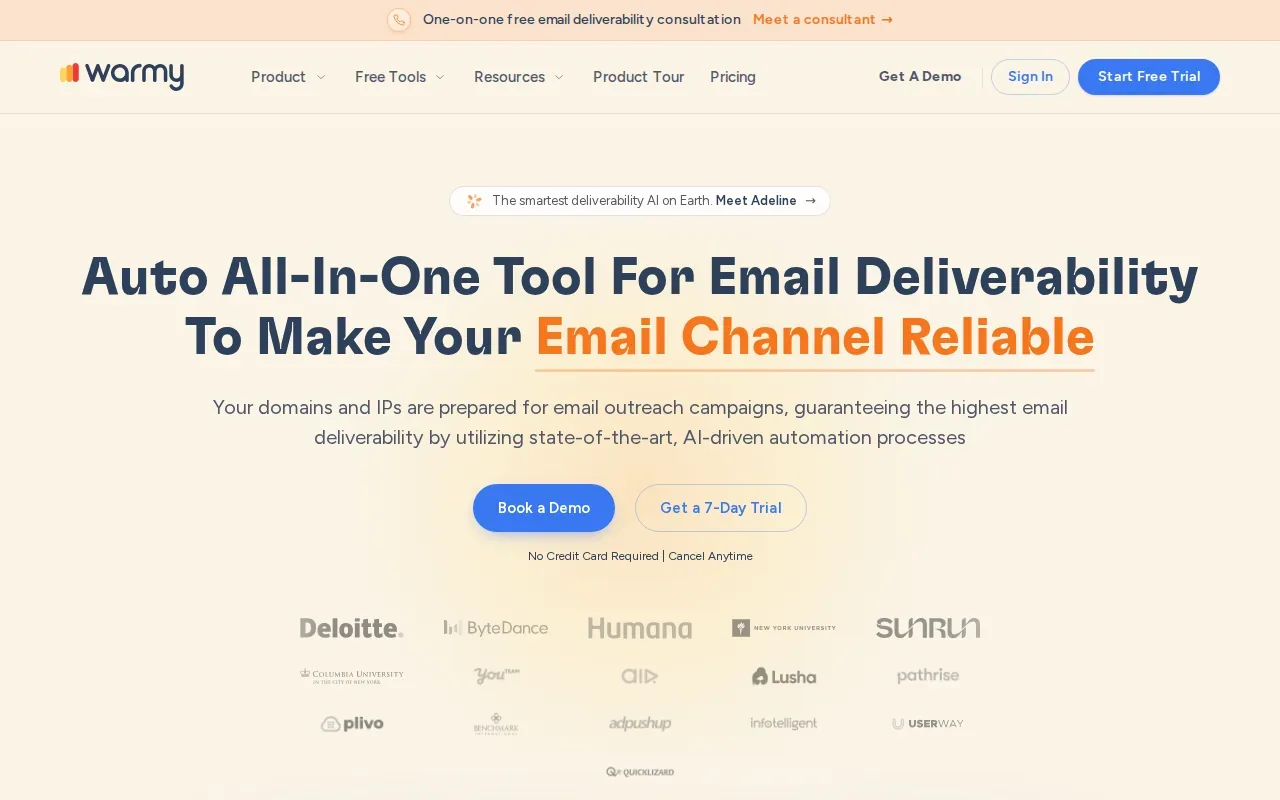
A jump in volume or a change in sending setup is worth checking alongside those placement results.
For a new domain, avoid treating an automated ramp as permission to launch a full campaign at once. Start with low, steady sending and increase only when the mailbox is handling that activity well. Keep your campaign list clean, too. Invalid addresses can cause hard bounces, which give mailbox providers a reason to distrust future sends.
Warmy is worth considering if you want ramp-up behaviour to respond automatically to engagement signals. Its approach is different from a fixed daily schedule, though your team still needs to watch campaign results and diagnose content or authentication issues that warmup can’t resolve on its own.
5. lemwarm by lemlist: Warmup alongside a sales engagement workflow
lemwarm by lemlist warms inboxes by sending automated emails to a network of more than 20,000 users. It also tracks a deliverability score and flags risks that may affect campaigns.
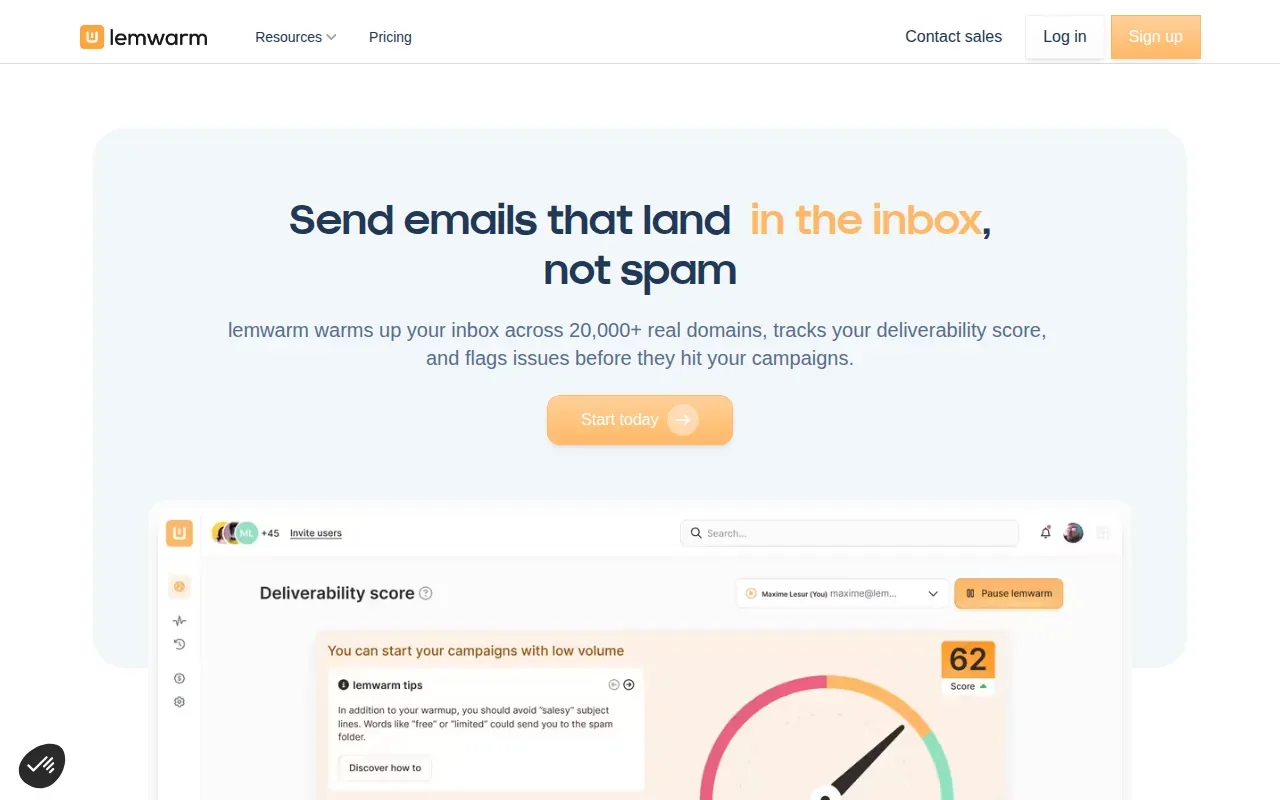
Its plans are based on the number of emails warmed up, and the service sits alongside lemlist’s sales engagement workflow. The warmup features include technical setup checks and deliverability reports. Teams already working in that sales platform may prefer keeping those tasks together.
lemwarm says a full warmup takes about four weeks, followed by two more weeks before starting real campaigns. It recommends keeping warmup on afterward as ongoing maintenance. Treat that as a vendor recommendation, not a promise that a mailbox will reach the inbox on a set schedule. Reputation depends on how recipients respond to your actual mail, too.
Look at how the score and alerts match your needs. A daily score can help your team notice a change, but a score alone won’t tell you whether Gmail has placed a message in Promotions or whether Outlook has put it in spam. If that distinction matters, make it part of your software comparison.
6. InboxAlly: Engagement from real, active inboxes
InboxAlly uses real, engaged human inboxes. People in its network open, read, and reply to messages, while the service tracks engagement and progress out of spam.
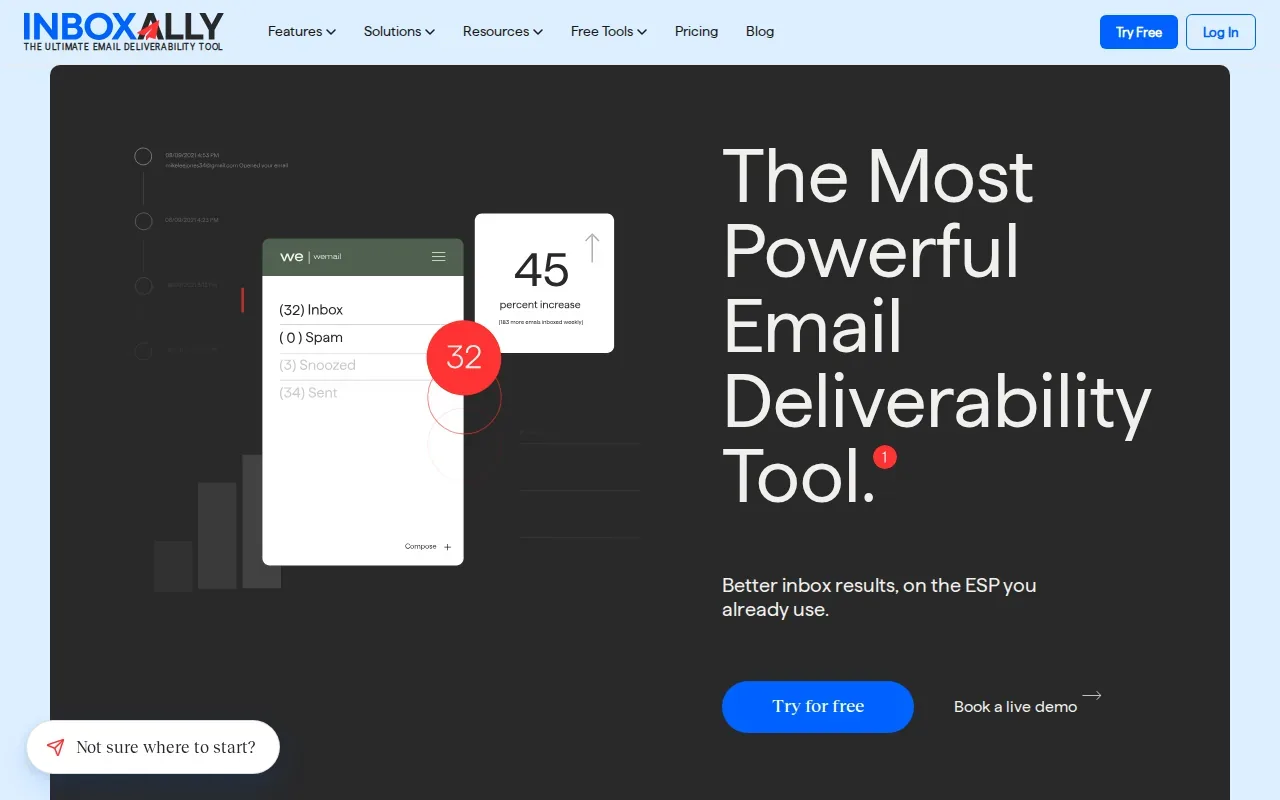
InboxAlly also has an email placement tester. You send a real message to test inboxes, then review whether it landed in the inbox or spam at providers such as Gmail and Outlook. That kind of test can show how a specific message performs, which is different from watching warmup engagement alone.
The listed pricing is based on sender profiles: Starter is $149 per month for one profile, Plus is $645 for five, and Premium is $1,190 for ten. Enterprise pricing is custom. That pricing shape may suit a larger operation with a clear need for engagement-based warmup and placement testing.
InboxAlly’s tester can help answer where a test message landed, while its warmup network aims to build sender reputation. Before choosing it, map the number of sender profiles you need to the plan that fits. The per-profile model can matter more to a multi-mailbox team than the warmup mechanism itself.
How the 5 email deliverability tools compare
These five third-party options serve different workflows. MailPilot is included as the sixth row because it’s the client product behind this comparison. The most useful distinction is whether you need reputation-building, a test of actual placement, or both.
| Tool | Warmup approach | Placement or reporting view | Pricing basis | Good fit when… |
|---|---|---|---|---|
| MailPilot | Real inbox interactions; adjustable ramp | Inbox, Promotions, and spam by Gmail and Outlook | Daily warmup volume; unlimited mailboxes on paid plans | You manage multiple mailboxes or client workspaces |
| Smartlead | AI-driven conversation simulation | Warmup engagement and reputation scores | — | You want warmup in an outbound sales platform |
| MailReach | Interactions via a high-reputation account network | Reputation monitoring and spam testing | Per mailbox, starting at $25 | You need mailbox organisation for agency work |
| Warmy | Automatic ramp-up guided by engagement signals | Placement insights and DNS checks | — | You want an adaptive ramp-up process |
| lemwarm by lemlist | Automated emails to a network of 20,000+ users | Deliverability score and reports | Based on emails warmed | You want warmup alongside a sales engagement workflow |
| InboxAlly | Engagement from real, active inboxes | Placement tester and provider results | Per sender profile; plans start at $149 per month | You need human engagement and placement tests |
Don’t judge a tool by warmup volume alone. A high volume of simulated or network activity doesn’t show where your own campaign copy will land. Authentication and sending practices affect how mail is handled. If a mailbox starts slipping, check authentication and list quality before raising volume again.
For a direct look at the MailPilot feature and pricing mix, use the email warmup comparison as a second reference while you assess your workflow.
Frequently Asked Questions
What does email deliverability software do?
Email deliverability software helps you monitor whether messages reach inboxes, Promotions, or spam, and can help build sender reputation through warmup. Delivery only means a receiving server accepted the message. It doesn’t tell you where the message went afterward. For outbound teams, check placement alongside bounce activity and recipient replies.
Does email warmup guarantee inbox placement?
No, warmup can’t guarantee inbox placement. It creates sending activity and engagement signals that may support sender reputation, but mailbox providers also assess authentication, message content, sending patterns, and recipient responses. A warmup score can look healthy while a campaign still lands in spam, so test your actual message and monitor results.
How should I check Gmail and Outlook placement?
Check each provider separately with a placement test or a tool that reports actual folder outcomes. For Gmail, count Promotions as its own result rather than as an inbox hit. For Outlook, review its placement separately instead of blending it with Gmail. That split can help you narrow down whether the issue is provider-specific.
What should I check if my cold emails start bouncing?
Pause or reduce sending while you check the recipient list and authentication setup. Remove invalid addresses so the same hard bounces don’t keep repeating. Then review SPF, DKIM, and DMARC for the sending domain, along with any recent volume changes. A warmup tool can help with reputation, but it can’t make an invalid address deliverable.
Should I use a subdomain for outbound email?
A separate sending subdomain can help keep the reputation of different email streams apart. For example, a team may separate outbound mail from its main transactional mail. Set up authentication for the sending domain and keep volume steady as you begin. A subdomain doesn’t excuse poor list hygiene or unwanted messages.
Conclusion
For outbound teams that need actual Gmail and Outlook placement data alongside warmup, MailPilot is the clearest fit in this shortlist, especially when you manage several mailboxes. Start with its free plan or seven-day trial, connect a mailbox, and check the placement and authentication signals before increasing campaign volume.
Ready to reach the inbox every time?
Automated email warmup across real peer mailboxes. Live inbox placement monitoring. Free 7-day trial - no credit card required.
Start free trial